
IoTMarketi guide
Milesight LoRaWAN gateway setup (UG65, UG67)
Milesight UG gateways are configured from the web UI: connect over Wi-Fi or Ethernet, change the default password, select EU868, then use the built-in network server or point the packet forwarder at ChirpStack or The Things Network.
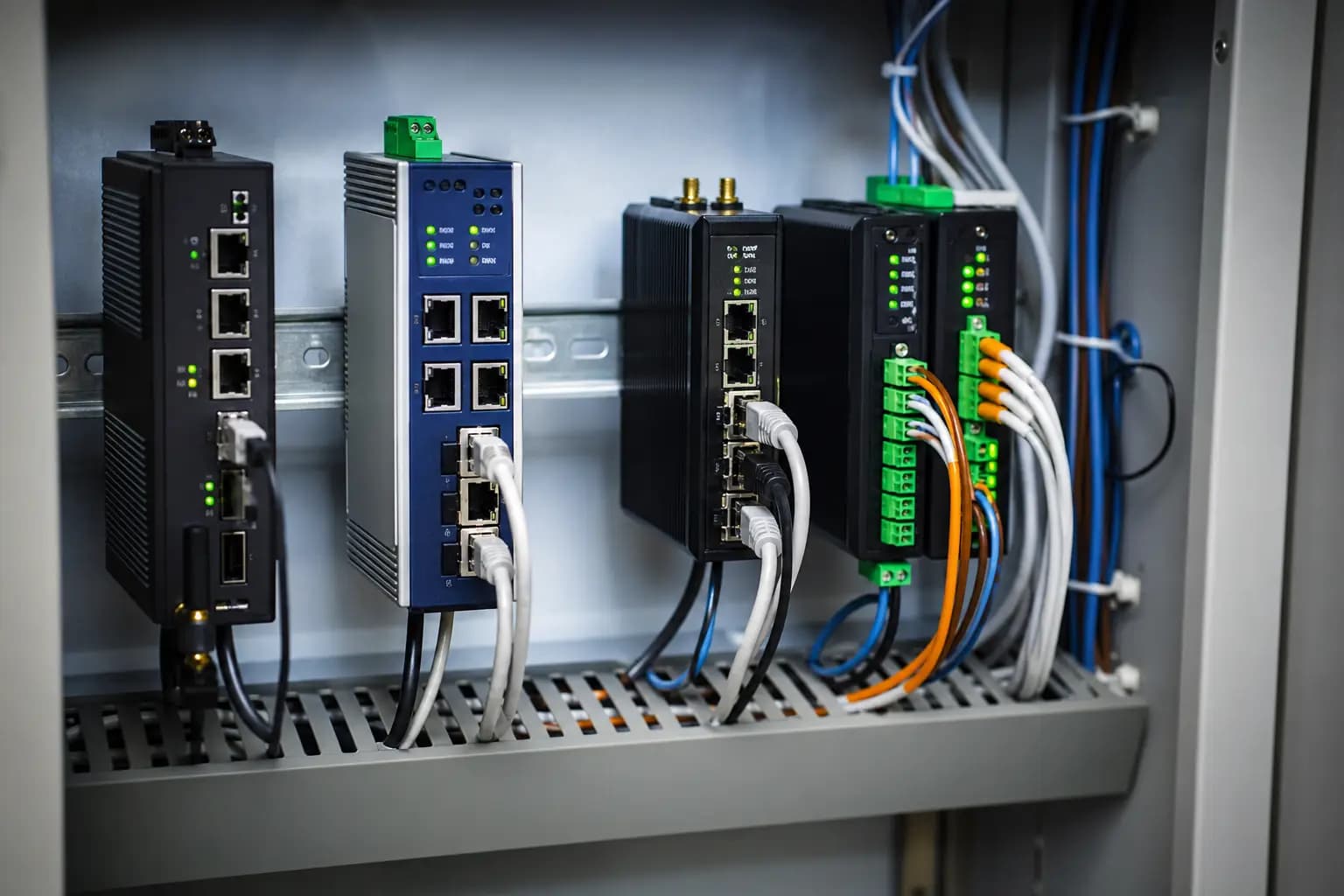
In short
On Milesight UG65 and UG67 the factory web login is «admin» / «password». Over the Wi-Fi access point the UI is at 192.168.1.1, over Ethernet at 192.168.23.150. The built-in network server handles around 2000 devices at a 10-minute reporting interval. Confirm these values in your device manual before setup.
Audience: Field engineers and system integrators commissioning gateways.
How to proceed
- 1
Connect to the gateway
Power it via PoE or the adapter. Join the Wi-Fi network starting with «Gateway_» and open 192.168.1.1, or use Ethernet and open 192.168.23.150.
- 2
Log in and change the password
Log in with admin / password and change the password first. A gateway left on the default password is a security risk.
- 3
Set up the internet connection
Use WAN (Ethernet), Wi-Fi client mode or 4G LTE (on supported models), and configure failover.
- 4
Select the EU868 plan
Choose EU868 in the packet forwarder settings. See the «LoRaWAN frequency in Turkey» guide for the rules.
- 5
Choose the network server
Enable the built-in network server and create an application and device profile, or point the packet forwarder at your ChirpStack or The Things Network server.
- 6
Add sensors
Add each sensor via OTAA with its DevEUI, JoinEUI (AppEUI) and AppKey. Milesight sensors can be configured over NFC with the Milesight ToolBox app.
- 7
Forward the data
Send data to your platform over MQTT or HTTP(S); use the vendor-published payload decoders for Milesight devices.
Included
- First-time web UI setup for UG65 and UG67
- Built-in network server vs external ChirpStack / The Things Network
- Adding sensors (OTAA) and forwarding data over MQTT/HTTP
Not included
- We do not host firmware files; download current firmware from Milesight's official support site.
- For coverage testing and commissioning, see our installation service.
Catalog examples
Live products from the catalog — in-stock items by card, others by quote.
 MilesightMilesight SG50 Güneş Enerjili LoRaWAN Gateway
 MilesightMilesight UG56 Endüstriyel LoRaWAN Gateway
- MilesightMilesight UG56 Endüstriyel LoRaWAN Gateway
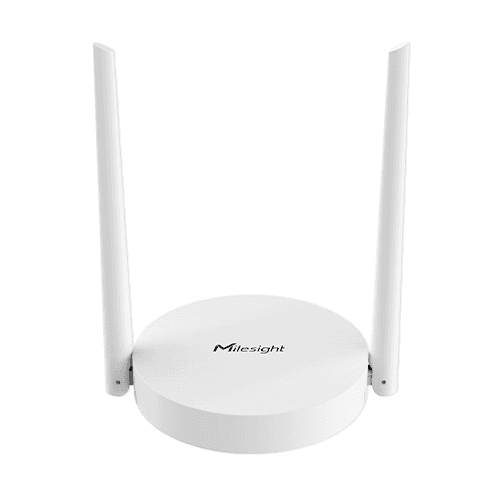 MilesightMilesight UG63 Mini LoRaWAN Gateway
 MilesightMilesight UG63 Mini LoRaWAN Gateway
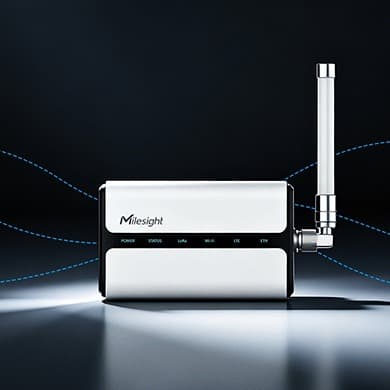 MilesightMilesight UG65 İç Mekan LoRaWAN Gateway (IP65)
- MilesightMilesight UG65 İç Mekan LoRaWAN Gateway (IP65)
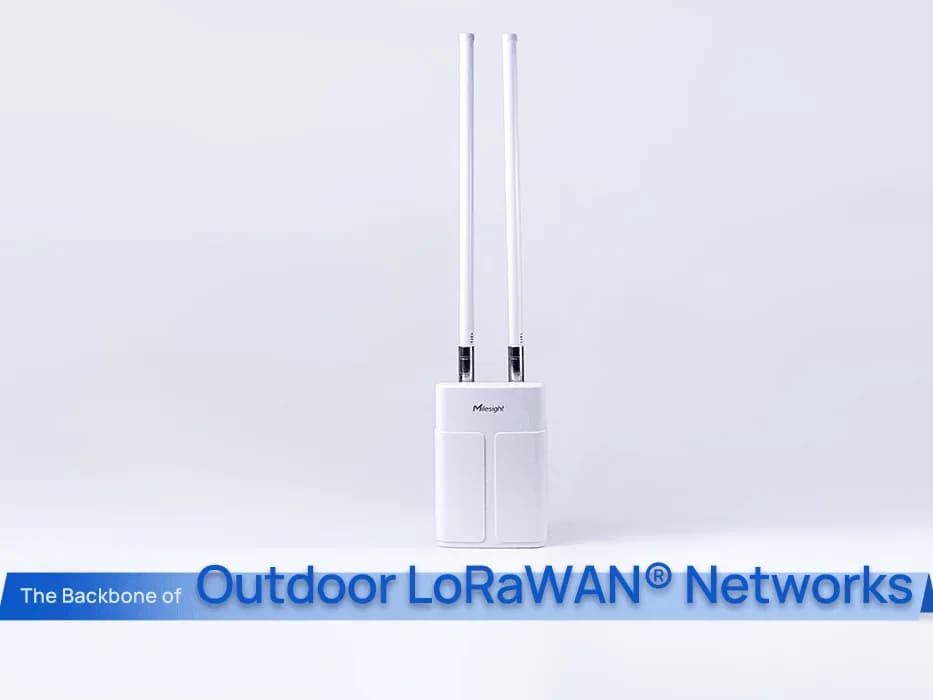 MilesightMilesight UG67 Dış Mekan LoRaWAN Gateway
Related
Frequently asked questions
What is the default IP address of a Milesight gateway?
On UG65 and UG67, 192.168.1.1 over the Wi-Fi access point and 192.168.23.150 over Ethernet.
What are the default username and password?
The factory defaults are admin / password. Change the password on first login.
Do Milesight gateways work with ChirpStack or The Things Network?
Yes. Instead of the built-in network server, use the packet forwarder and enter the ChirpStack or The Things Network server address.
How many devices does the built-in network server support?
Milesight states around 2000 Class A/B/C devices at a 10-minute reporting interval for UG65 and UG67.
Can you do the installation for us?
Yes. We offer installation and technical support covering coverage testing, gateway placement, network server setup and sensor commissioning.
Ready with quantities and site notes? Send an RFQ — we reply in writing.
Request a quote